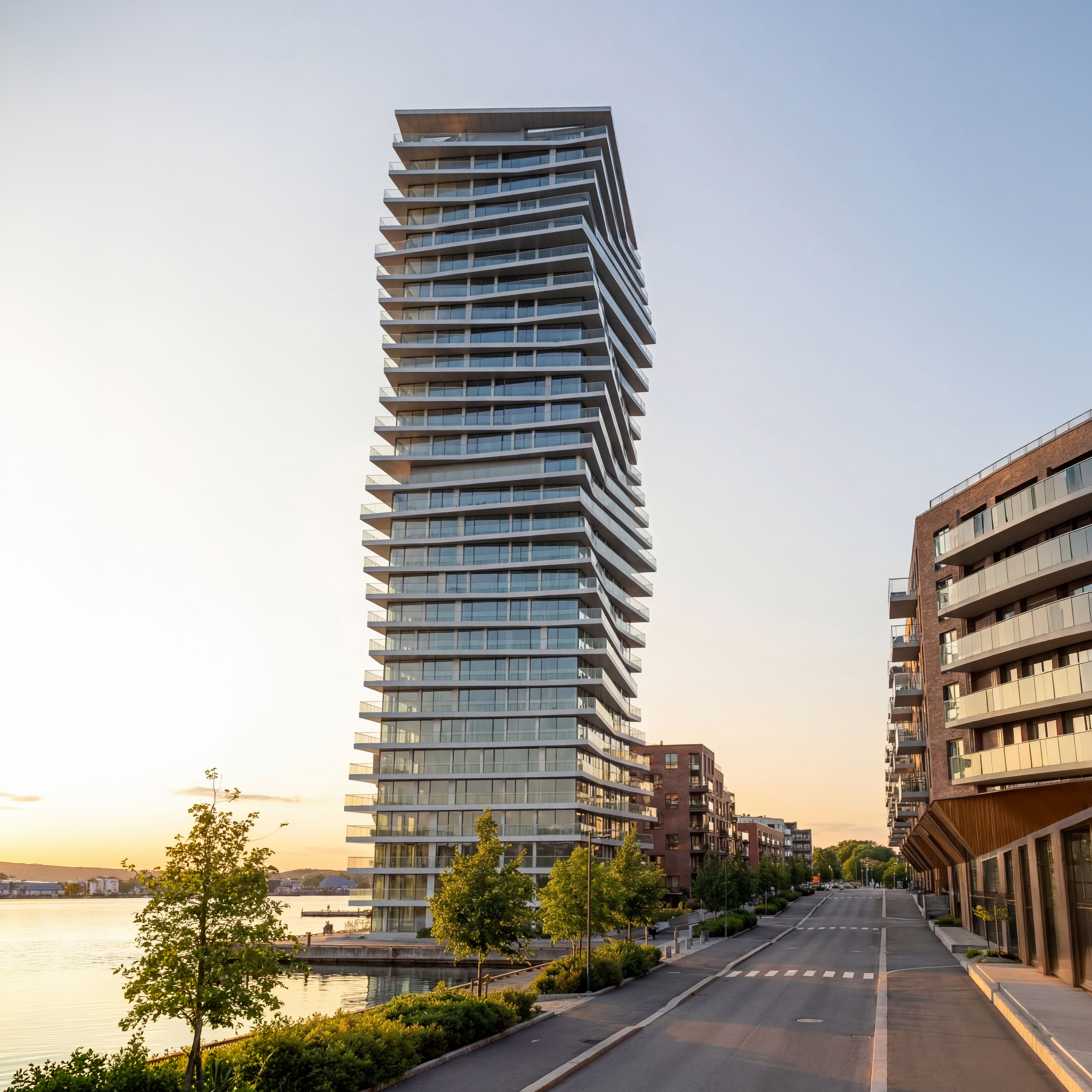
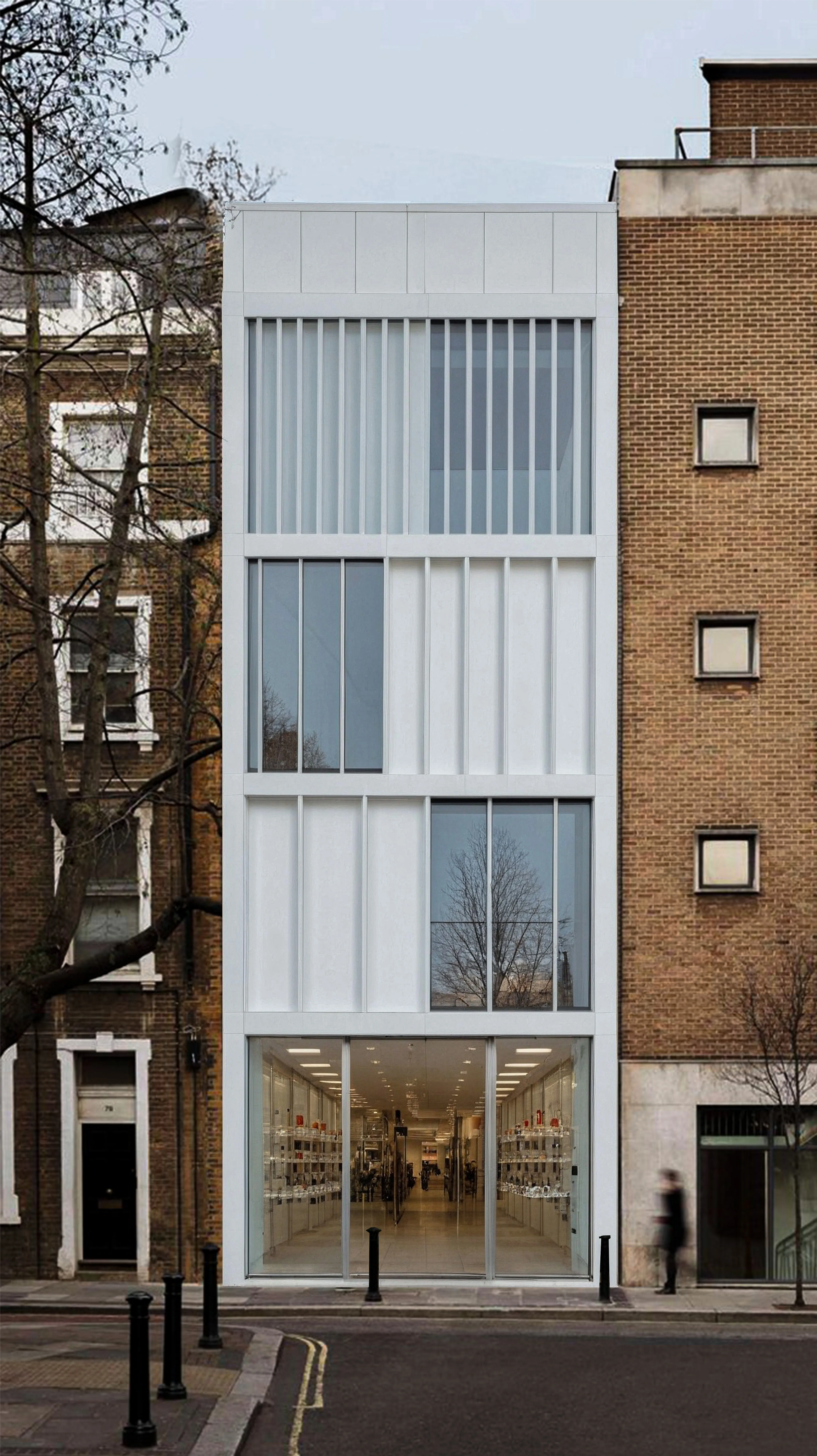
Set up your model in
Rhino
Rhino
Set your scene, texture your model, add a ground and place some key elements in the scene. No need to use fancy elements, but make sure you hide not needed lines.


Visoid streamlines your visualization workflow, enhancing communication with clients. It generates stunning renderings from a simple Rhino model using just a few essential elements: textures and key scene components.

Visoid renders your design in any season or time of day matching your and your project's needs.

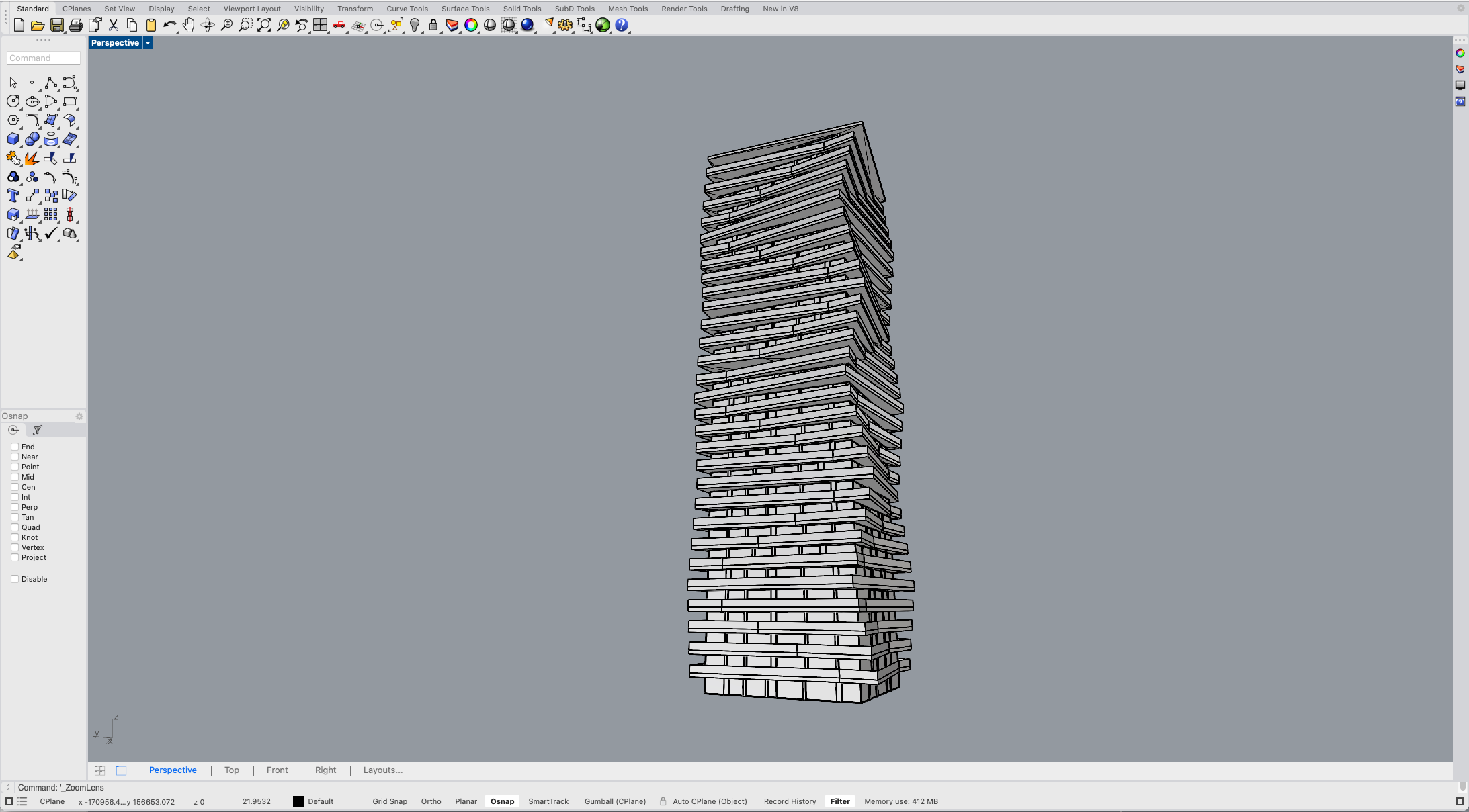
Set your scene, texture your model, add a ground and place some key elements in the scene. No need to use fancy elements, but make sure you hide not needed lines.
Go to the Visoid, upload your model and place it in it's real surroundings.
You can also simply upload an image if you already have everything modelled.
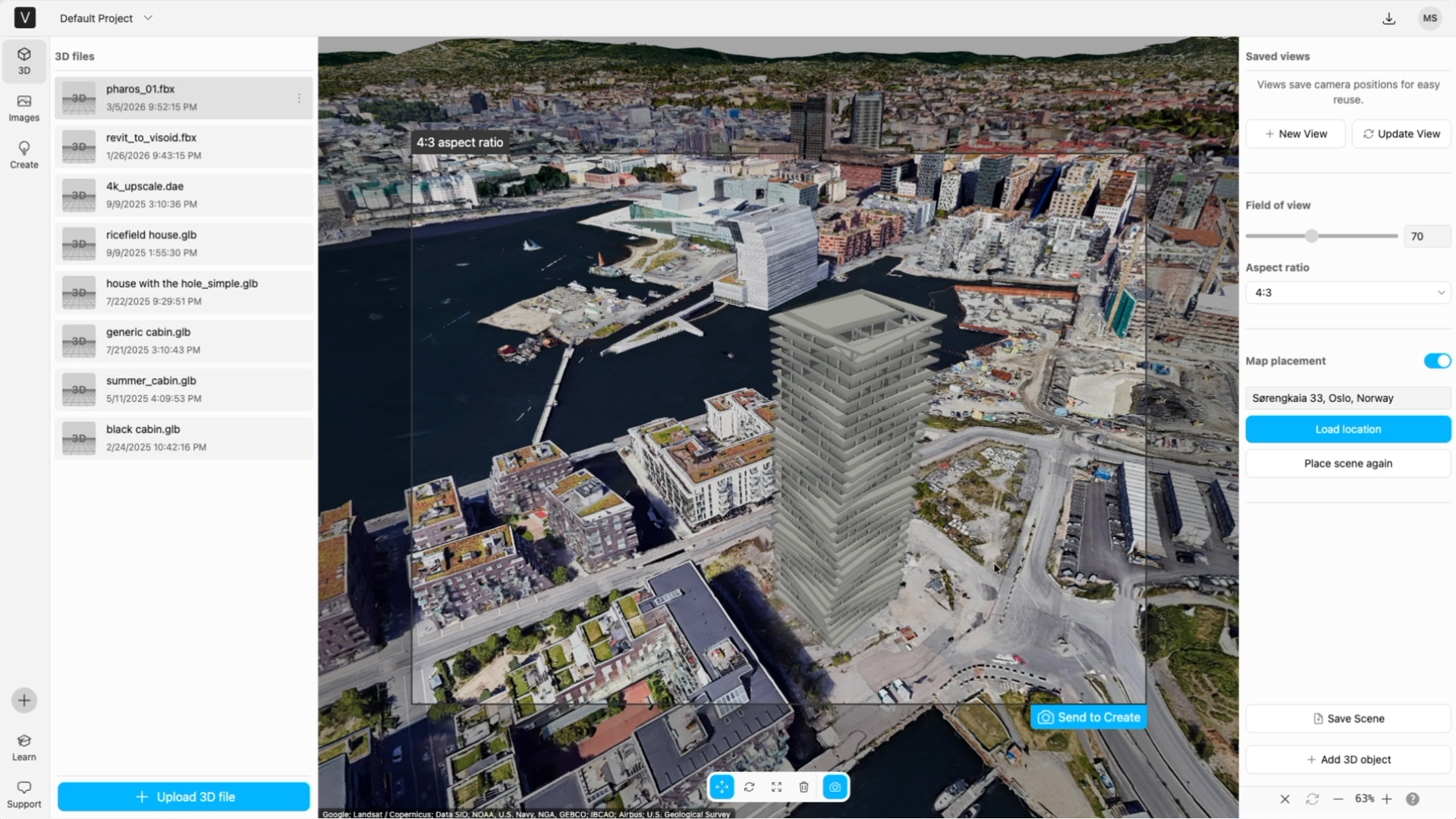

Set the angle, choose some basic settings and describe your project as a prompt.
Tip: The more detailed prompt you write, the better the outcome is. Visoid also has a prompt helper which can help you write the best prompt.
After a few seconds waiting time you will see multiple suggestions. You can decide to export the images in high resolution, generate different alternatives or edit/replace parts of the image till you get to your desired outcome.